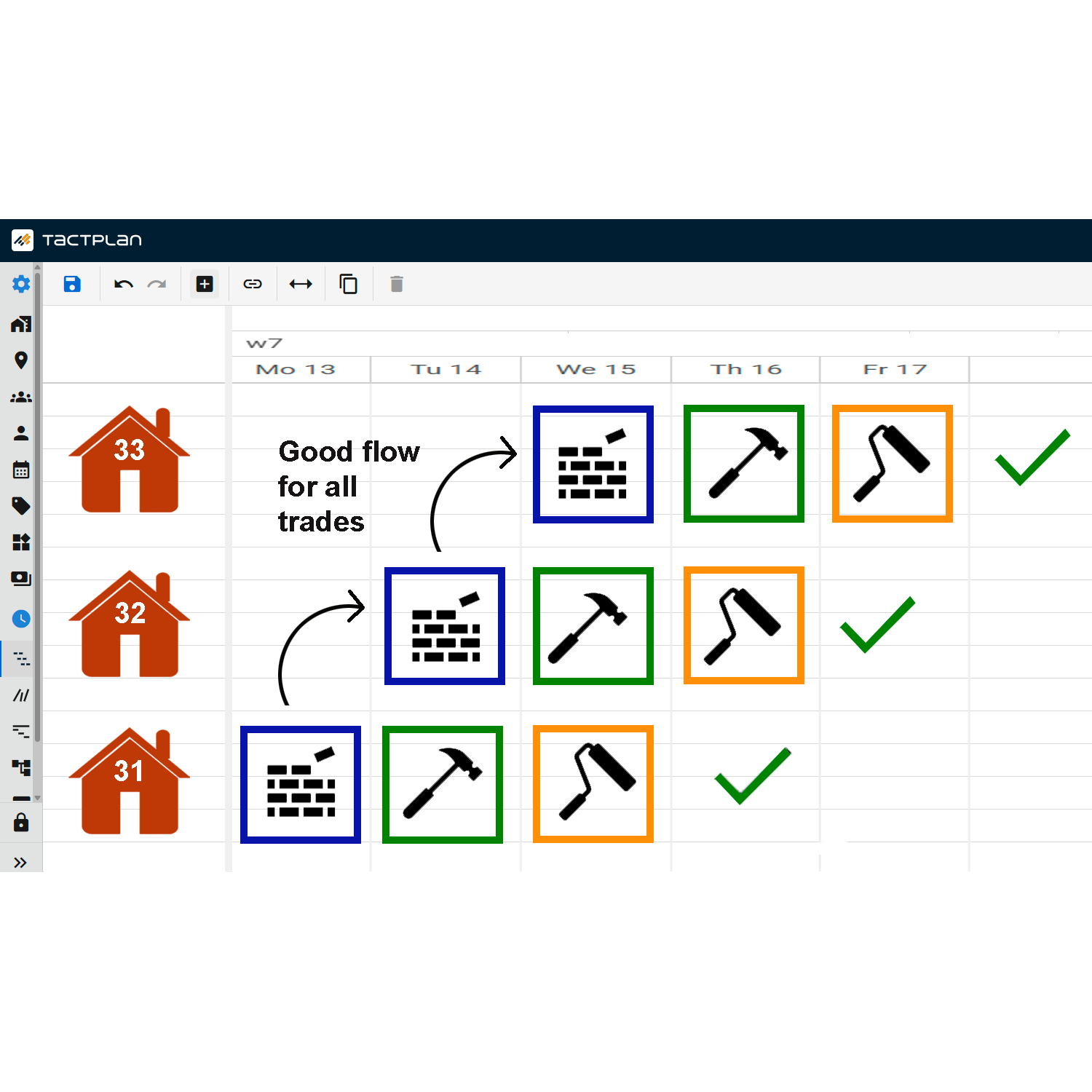
This tutorial from Tactplan explains how to create buffers between tasks within the platform, a critical feature for managing project timelines and mitigating risks associated with task delays.
Key points include:
- Accessing Buffer Settings: To add a buffer, you need to double-click on the task you wish to modify. This action opens the task’s detail menu where buffer settings can be adjusted.
- Defining Buffers: Buffers can be set for both predecessors and successors of a task. This allows for flexible adjustment of task timelines to accommodate delays or to prevent task overlap.
- Impact of Buffers on the Critical Path: The video demonstrates how buffers influence the positioning of tasks along the critical path. Adjusting buffers can shift tasks forward or backward in time, depending on the project's needs, and can visually represent the impact of these changes on the project timeline.
This buffering capability is essential for project managers looking to ensure that there is adequate leeway between tasks, which can help absorb the impact of potential delays and maintain the integrity of the overall project schedule.