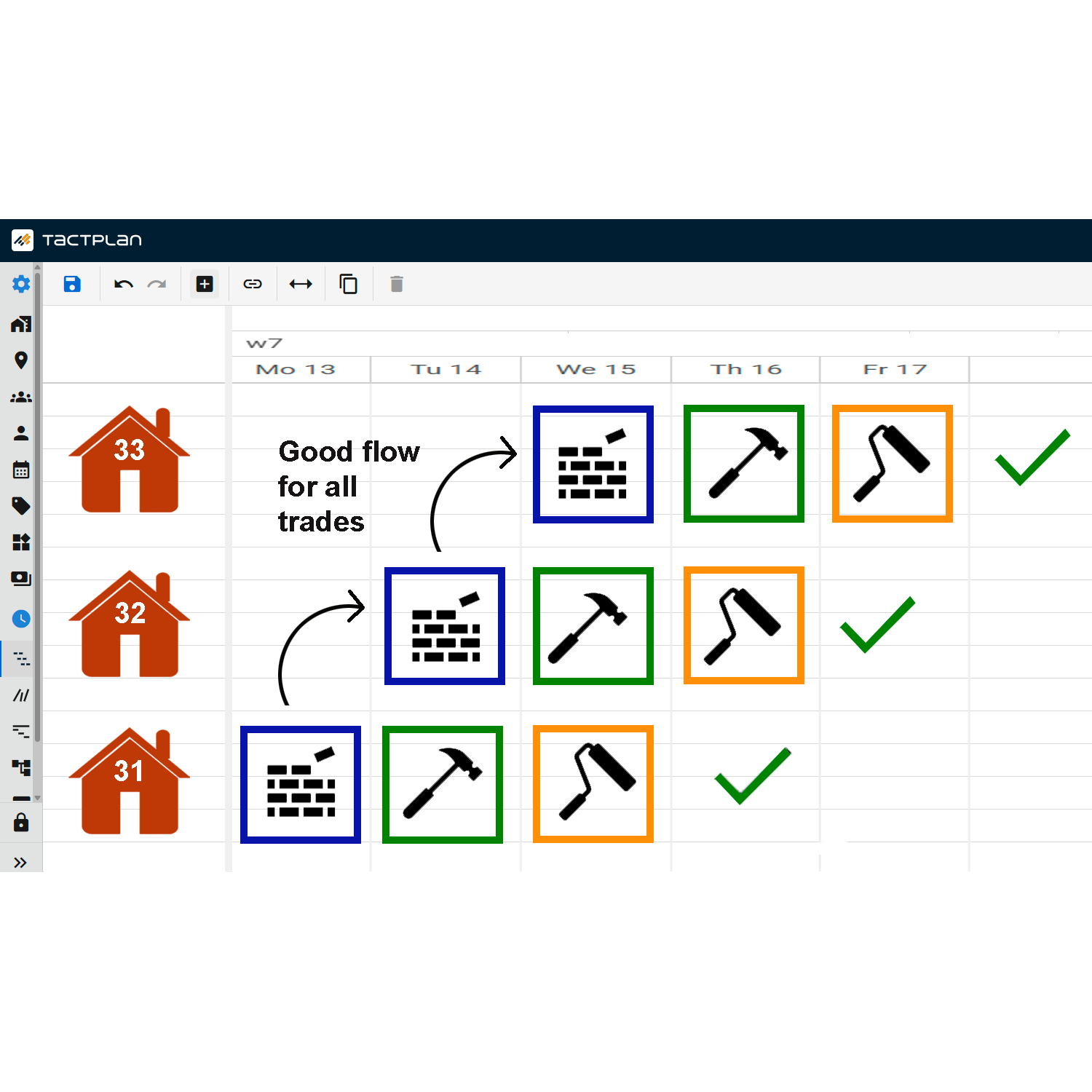
This tutorial from Tactplan guides users on how to add resources to their projects, a fundamental step for resource management that ensures all necessary materials and personnel are accounted for in project planning.
Key points include:
- Preparation: Before adding resources, ensure that all relevant suppliers have been added to Tactplan. This ensures that resources can be linked to specific suppliers, streamlining procurement and logistics.
- Adding a Resource: To add a resource, click on the "add resource" button. In the interface that appears, users can input the name of the crew and select the supplier who delivers this resource. This process helps in tracking and managing various resources by their source.
- Repetition for Completeness: The process of adding a resource can be repeated to ensure all necessary resources for the project are included. This might include various materials, tools, and human resources.
- Verification and Organization: Once resources are added, it’s crucial to review the resource list to verify that all entries are accurate and that resources are distinctly marked (e.g., using different colors for easy identification).
This feature is crucial for project managers who need to maintain a comprehensive and organized overview of all resources involved in a project, facilitating better planning and allocation throughout the project's lifecycle.