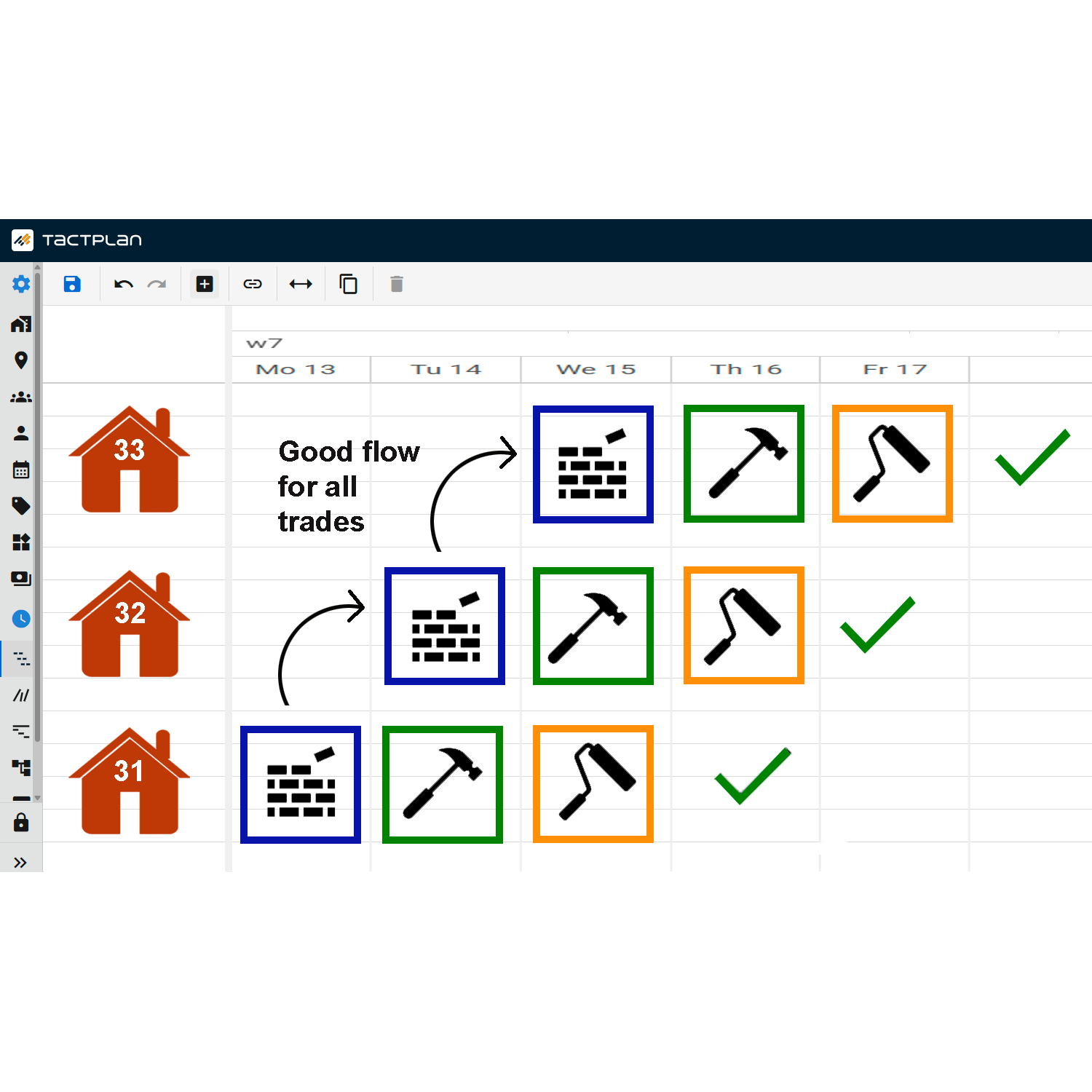
This tutorial from Tactplan demonstrates how to change the color of multiple tasks within the platform, a feature useful for organizing and visually distinguishing tasks within a project.
Key points include:
- Selecting Multiple Tasks: To change colors for multiple tasks simultaneously, users can click and drag a box around the desired tasks to select them. This bulk selection method is efficient for applying changes to several items at once.
- Accessing Color Settings: Once tasks are selected, the color change option appears at the bottom of the menu. Users can then click the colored circle to choose a new color for all selected tasks.
- Alternative Selection Method: Another method to select multiple tasks is by holding down the "ctrl" key (or "cmd" on Mac) while clicking individual tasks. This allows for more precise selection, especially if the tasks are not adjacent to each other.
- Applying Color Changes: After selecting the desired color, the changes will apply to all selected tasks, helping to streamline project management by visually coding tasks according to criteria like phase, urgency, or type.
This capability enhances the visual management of projects within Tactplan, allowing project managers and team members to quickly identify tasks based on their color coding, which can align with specific project needs or personal organizational preferences.