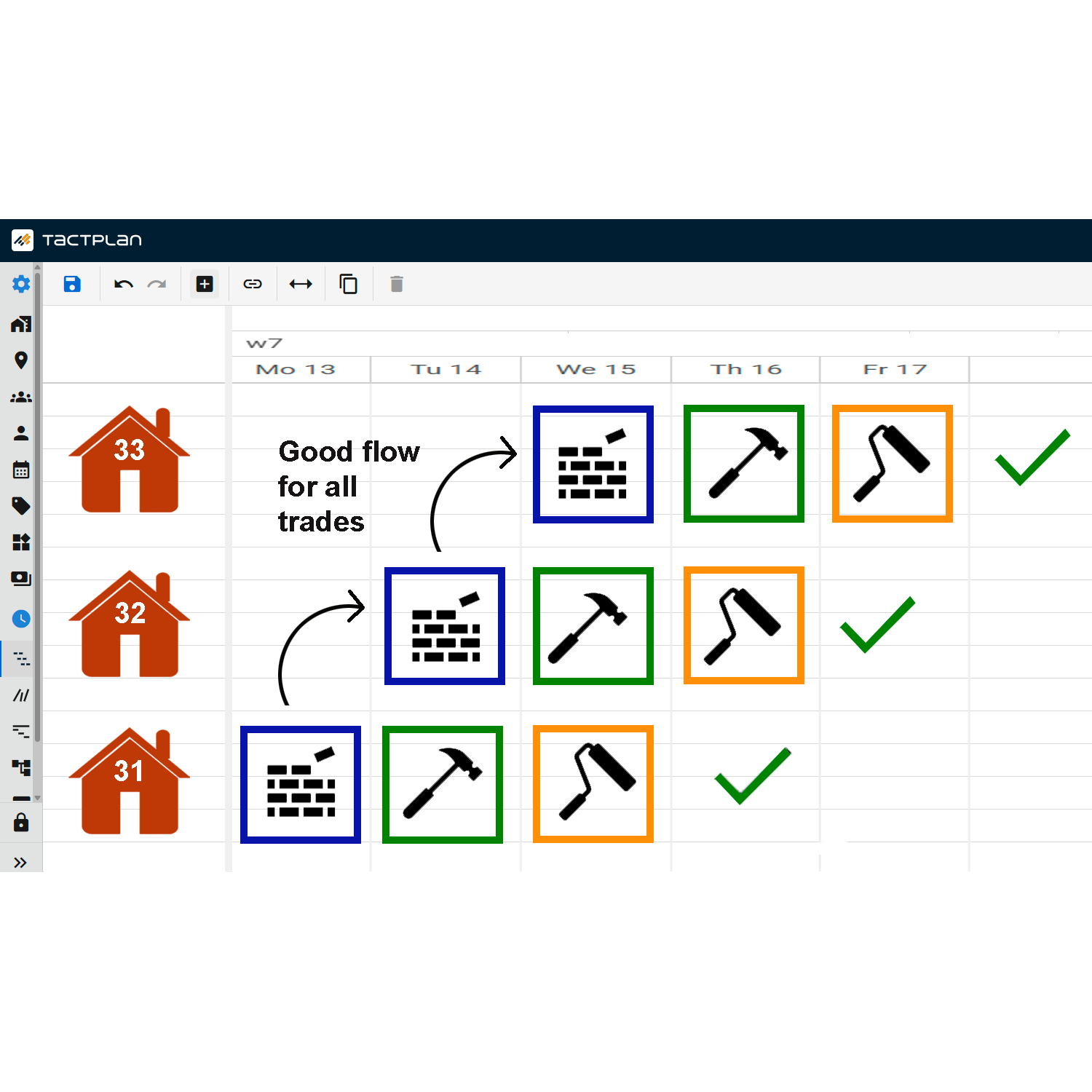
This tutorial from Tactplan provides guidance on how to visually draw tasks in the software's flow line view, an innovative feature for managing and assigning tasks across various project locations directly within the project timeline.
Key points include:
- Drawing Tasks: The video instructs on how to use the flow line view to draw tasks. This method allows for intuitive placement of tasks across the project's timeline and visualizes them across all relevant locations.
- Visibility Across Locations: As tasks are drawn in the flow line, they automatically appear in all the locations specified during the drawing process. This ensures that the task is scheduled consistently wherever it is needed.
- Managing Task Visibility: It also covers how to manage and sort the locations to ensure tasks appear only where necessary. This helps in avoiding clutter and potential confusion by limiting task visibility to relevant areas only.
This feature streamlines the process of task allocation and can significantly enhance the efficiency of scheduling and resource allocation, making it a valuable tool for project managers working with complex, multi-location projects.