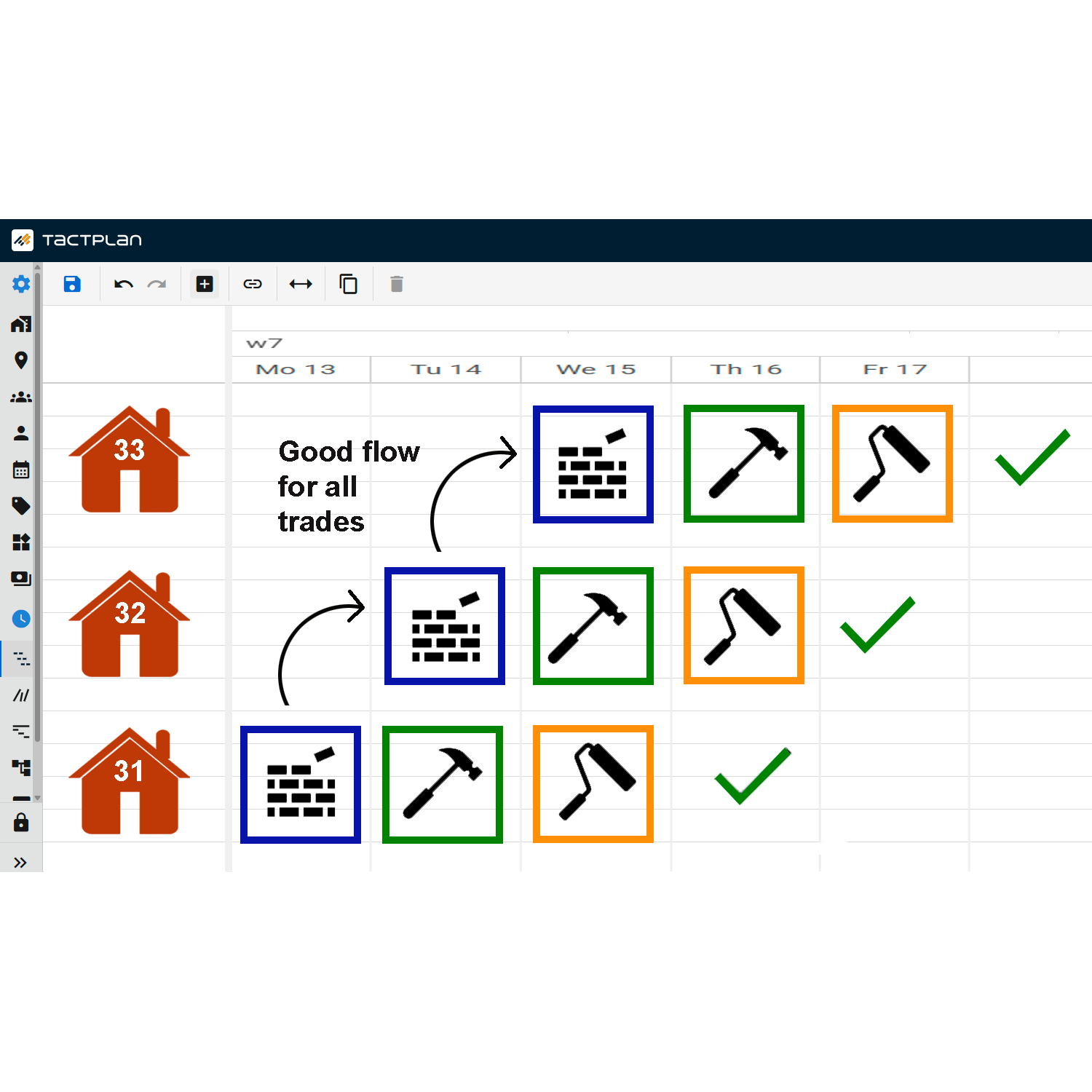
This video from Tactplan details how to effectively utilize the import and export functions for handling task data within the platform, providing a seamless way to integrate spreadsheet data into project schedules.
Key points include:
- Opening a Schedule: Begin by opening the schedule where you want to import or export data. This initial step ensures you are working within the correct project context.
- Grid View for Data Handling: Navigate to the grid view, which displays tasks as rows with columns for task details such as name, start, finish, precision, and duration at specific locations.
- Exporting Data to Spreadsheet: Copy the displayed information to the clipboard and open a spreadsheet program like Excel to paste and organize the data. This method allows for detailed review and editing outside of Tactplan.
- Editing Task Information: In the spreadsheet, you can adjust existing task details or add new tasks by defining names, start dates, durations, and specific location durations. This flexibility is critical for comprehensive project planning.
- Importing Updated Data: Once edits are made, the updated task rows can be copied back into Tactplan using the "paste from clipboard" function. This step may require enabling specific browser permissions to allow the paste operation.
- Verifying and Saving Changes: After importing, verify that all task information has been updated correctly in Tactplan. Ensure that names, durations, and location assignments are as intended before saving the import to finalize the changes.
This feature is invaluable for project managers who need to handle large amounts of task data or wish to use spreadsheet tools for bulk edits and then reintegrate that data into Tactplan, maintaining the integrity and continuity of the project schedule.