Projects rarely slip because people stop working hard. They slip because the plan stops reflecting the site. A crew changes, an activity slips, and nobody can see what that means three floors up.
So what is the best construction scheduling software? The honest answer: The best software is the one that fits your scheduling method and still holds up when you test it on a real project. A feature list will not tell you that. The right questions will.
In this guide, we share seven questions a contractor recently asked us during a software evaluation. We have made them general, so you can put them to any vendor. You will also learn why the scheduling method comes first, and how to run a test that shows how a tool behaves when things change.
What is the most popular method for scheduling construction projects?
The critical path method (CPM) is still the most widely used. A survey of 532 construction professionals in Brazil, China, Finland and the United States found that CPM dominates across industries and company sizes, often because contracts require it. The same study found that location-based techniques were credited with better continuous flow, resource use and production control, and that no single system covered every need.
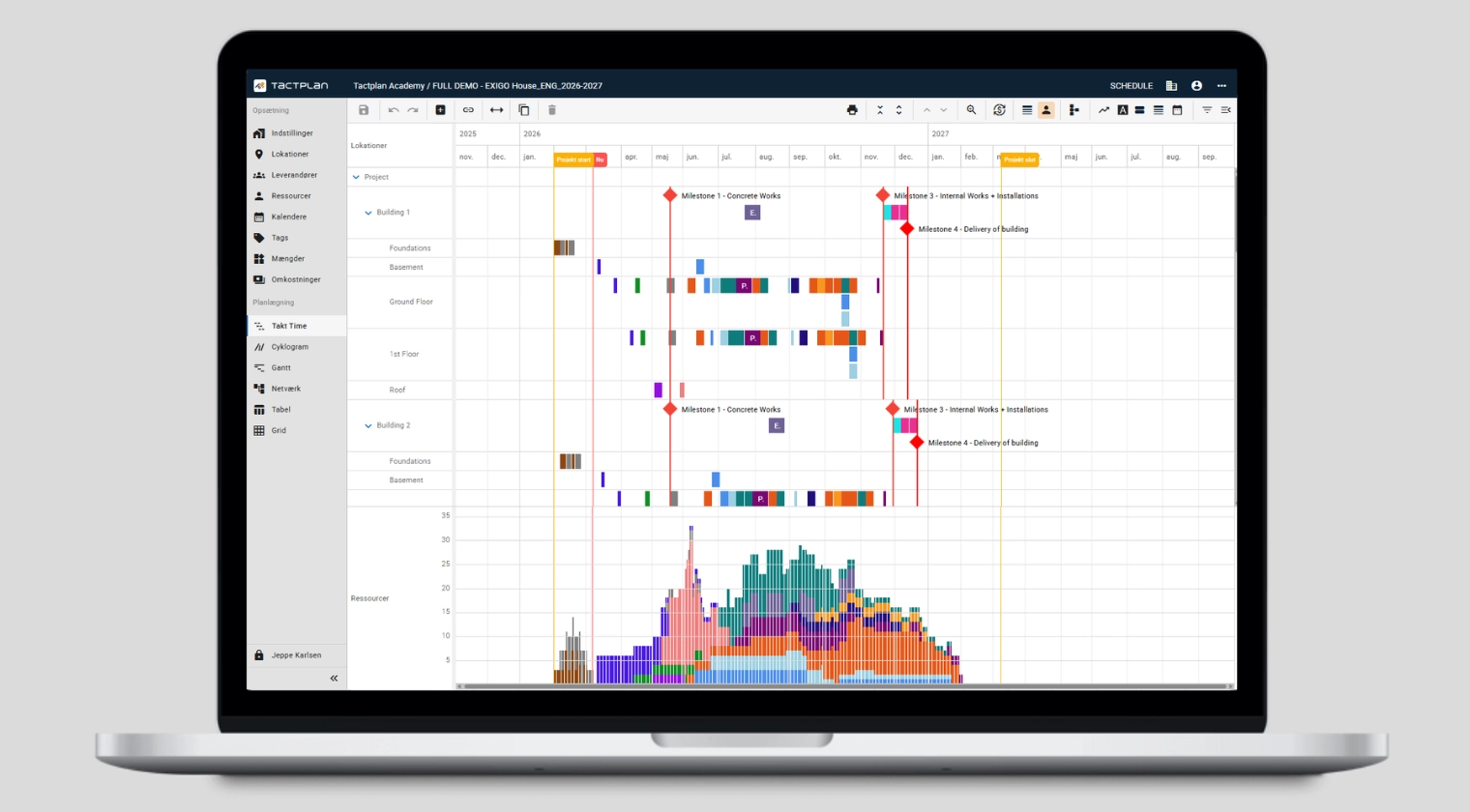
Each method solves a different problem. CPM organises activities by logic and finds the longest path to completion. It is strong for contracts and critical path analysis. Location-based scheduling plans time and space together, so each trade moves through the building as a flowline and you can see where and when work happens. Takt planning sets a steady rhythm, where trades move through zones at the same pace.
For most contractors, the choice is not either/or. The researchers concluded that the industry benefits from aligning scheduling methods with project needs. So the first thing to check is whether a tool supports the method you actually use, and whether it can combine methods when a contract asks for a CPM schedule.
Overview is where the method makes the biggest difference. Henrik Lindberg, project manager at the Nordic contractor NCC, describes it like this:
“The schedule I’m sitting with now has 25,000 activities. In Gantt, it takes up to 250 pages. The same schedule takes up only ONE page in the location-based schedule.”
What are the seven questions to ask before you choose?
These questions come from a real software evaluation by a contractor. Use them in your next demo, and ask the vendor to show each answer in the tool, not on a slide.
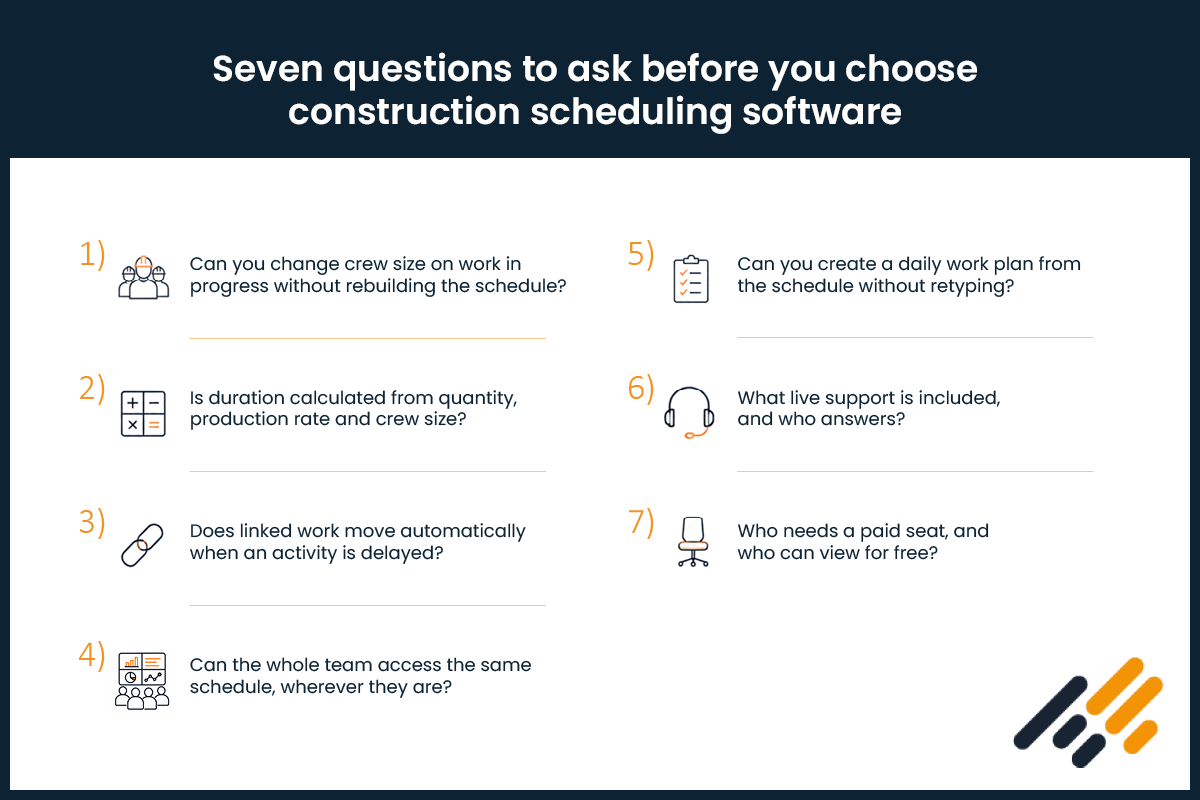
- Can you change crew size on work in progress without rebuilding the schedule?
- Is duration calculated from quantity, production rate and crew size?
- Does linked work move automatically when an activity is delayed?
- Can the whole team access the same schedule, wherever they are?
- Can you create a daily work plan from the schedule without retyping?
- What live support is included, and who answers?
- Who needs a paid seat, and who can view for free?
1. Can you change crew size on work in progress without rebuilding the schedule?
It should be possible. A good tool lets you split an activity at today’s date and give the remaining part a new crew size, while the completed part keeps its original planning. Your history stays intact, and the plan ahead reflects reality.
Why it matters on site: Crews change all the time. If every change forces you to rebuild the schedule, the plan soon falls behind the site, and the team stops trusting it.
2. Is duration calculated from quantity, production rate and crew size?
In location-based scheduling, duration is calculated from the quantity in each location multiplied by the production rate (man-hours per unit), divided by the crew size. The method is described in detail by Kenley and Seppänen. If you keep the man-hours and production rates fixed and change the crew, the software should recalculate the duration for you.
Why it matters on site: This is what turns a schedule from a drawing into a model. When a trade contractor offers two extra people, you can see at once whether it closes the gap.
3. Does linked work move automatically when an activity is delayed?
It should. When an activity is delayed, every activity that depends on it should move automatically. Ask the vendor to show it live: Delay one activity and watch what follows.
Why it matters on site: The cost of a delay is rarely the delay itself. It is the work that depends on it, and the sooner you see it, the calmer the conversation with the next trade.
4. Can the whole team access the same schedule, wherever they are?
A cloud-based schedule lives on the vendor’s servers, not on one planner’s computer. Everyone works from the same version, and the plan is available even when the planner’s laptop is closed.
Why it matters on site: One shared plan means everyone sees the same thing and removes the risk of different versions in the site office, at head office and with the owner.
5. Can you create a daily work plan from the schedule without retyping?
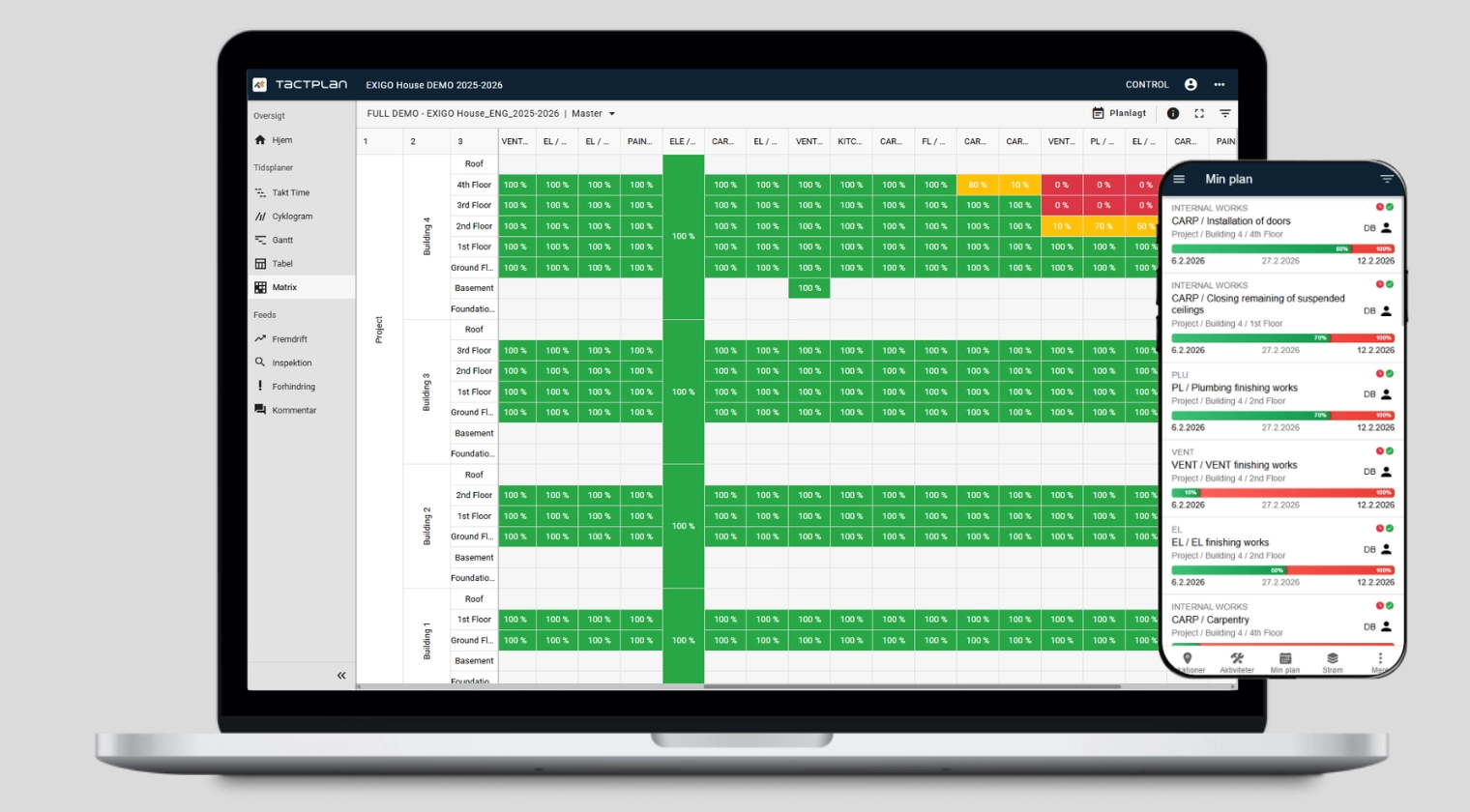
Check whether crew, locations, quantities and man-hours already sit in the schedule. If they do, a daily work plan for the site can be produced from the same data, with nothing typed twice. Ask to test it on one of your own projects to see whether the output suits your foremen.
Why it matters on site: Information should also flow the other way. Progress registered on site should go straight back into the schedule. Kristine Ann Barnes, former process consultant at the consulting engineering firm Niras, explains why timestamps matter:
“The time I make my registration is automatically recorded in the app. This means that when the painter, for example, comes and says he’s behind because the carpenter didn’t finish on time, I can look at the app and tell him that the carpenter finished on time last Wednesday when I made my site registration at 11:05.”
6. What live support is included, and who answers?
Ask what is included in the licence, for example email, phone and screen-sharing. Ask where the support team is based and whether they understand construction. Self-guided training is useful, but it does not replace a person who can look at your schedule with you.
Why it matters on site: Most implementations stall on the first real project, not in the demo. Support from people who have planned projects themselves is what carries a team through that phase.
7. Who needs a paid seat, and who can view for free?
Pricing models vary. A common model charges per planner seat, meaning the users who create and edit schedules, while viewers such as site managers, trade contractors and owners follow the plan for free. Ask the vendor what is included and what is priced separately.
Why it matters on site: A plan only works when everyone who needs it can see it. A model that charges for every viewer often ends with the schedule staying in the office.
How does Tactplan answer the seven questions?
We built Tactplan on 15 years of hands-on experience with location-based scheduling at Exigo, so these questions are familiar to us. Our construction scheduling software combines location-based scheduling, takt planning and a Gantt-CPM view in one model, and it calculates durations from quantities, production rates and crew size.
Tactplan is cloud-based, dependencies move linked work automatically, and progress tracking from site is handled in Tactplan Control. Live support is included in the licence, our support team is based in Denmark, and Tactplan Academy offers self-guided training. On our pricing page, you can see how planner seats and free viewers work.
Does Tactplan fit your project? Tactplan is used on everything from residential construction to infrastructure, but you do not have to take our word for it. Test it yourself with a 14-day free trial.
How do you choose construction scheduling software with confidence?
The best construction scheduling software is not the one with the longest feature list. It is the one that fits your method and keeps your plan true to the site when things change.
Start by deciding how you plan: CPM, location-based, takt or a combination. Then bring the seven questions to every demo, and test the shortlisted tools on a real past project. Rebuild part of the schedule, change a crew, delay an activity and register progress. You will learn more in an afternoon than from any brochure.
If this approach feels right for your team, book a demo and we will go through the seven questions on one of your own projects. Or start a free trial and see for yourself.