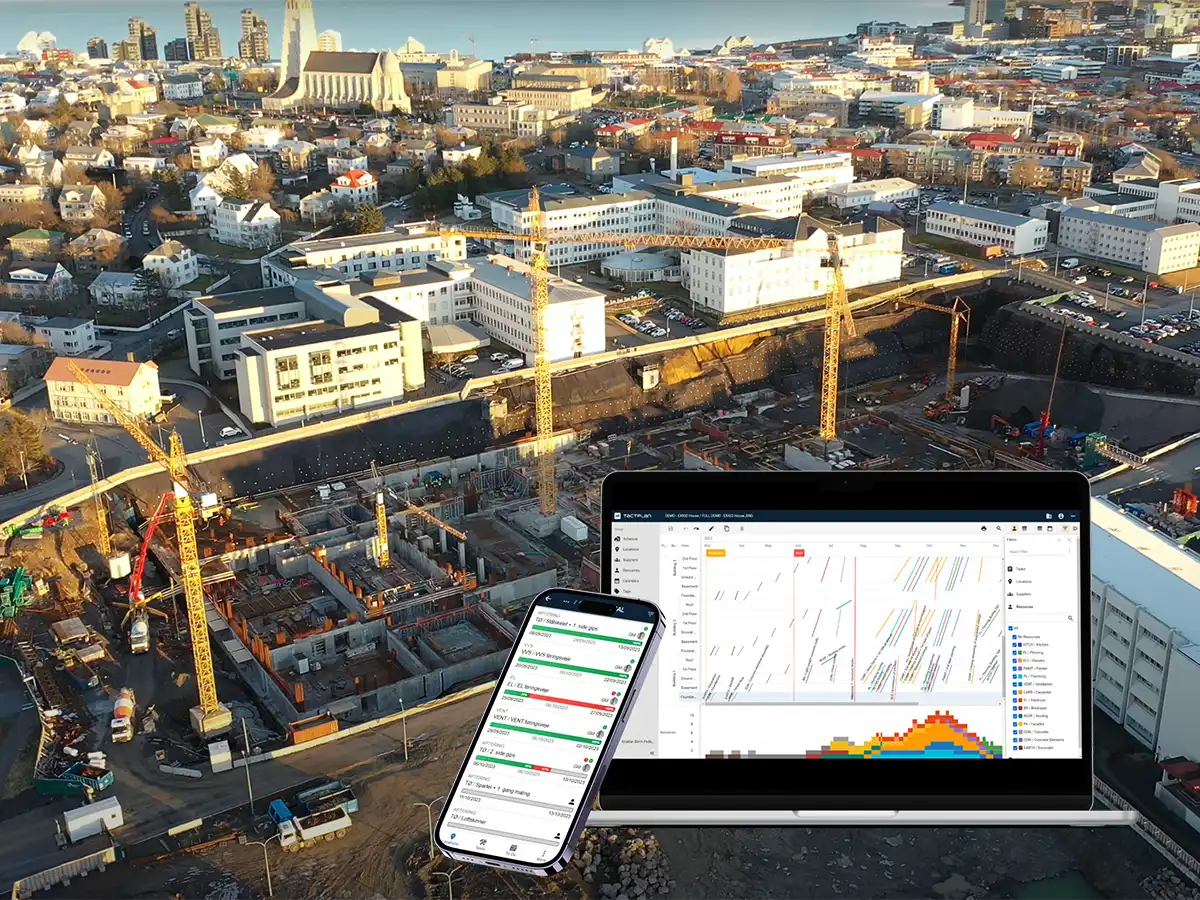
Version 2.2.9 - Resource graph optimization and Full height resource graph

Version 2.2.9 - Resource graph optimization and Full height resource graph

New: 

  • Added option for resource graph to have the full height of the scheduling view and while printing.

Improvements:

  • Improved performance when recalculating the amount of resources for the resource graph.
  • Improved the distribution of resources in individual ticks, which could have resulted in small spikes in resources within a tick if tasks had small overlaps.
  • Updated how system messages are shown, to more clearly inform when system has impending updates.
  • It is now possible to zoom with the mouse inside the print preview area.

Bugfixes:

  • Fixed an issue with copy split from that resulted in poor performance and being able to switch between views while calculation was ongoing, which would ultimately result in a crash.
  • Cleaned up some styling of timeline and resource graph rows, that could result in visually show double lines or extra spaces.
  • Fixed an issue with resource graph hiding tasks after being closed, if it was open from the beginning of page load.
  • Fixed an issue with dropdown for filter selection not closing when scrolling outside the dropdown.

Any Questions?

You can always contact us at info@tactplan.com.
We check our inbox frequently.

A well-run site starts with a clear plan

With location-based scheduling, every tradesperson knows exactly where they need to be and what tasks they need to complete.
The result is a calmer, more predictable workday - steady progress, no wasted time, and better teamwork across the site - setting the foundation for reliable project delivery.
Try it for free for 14 days.