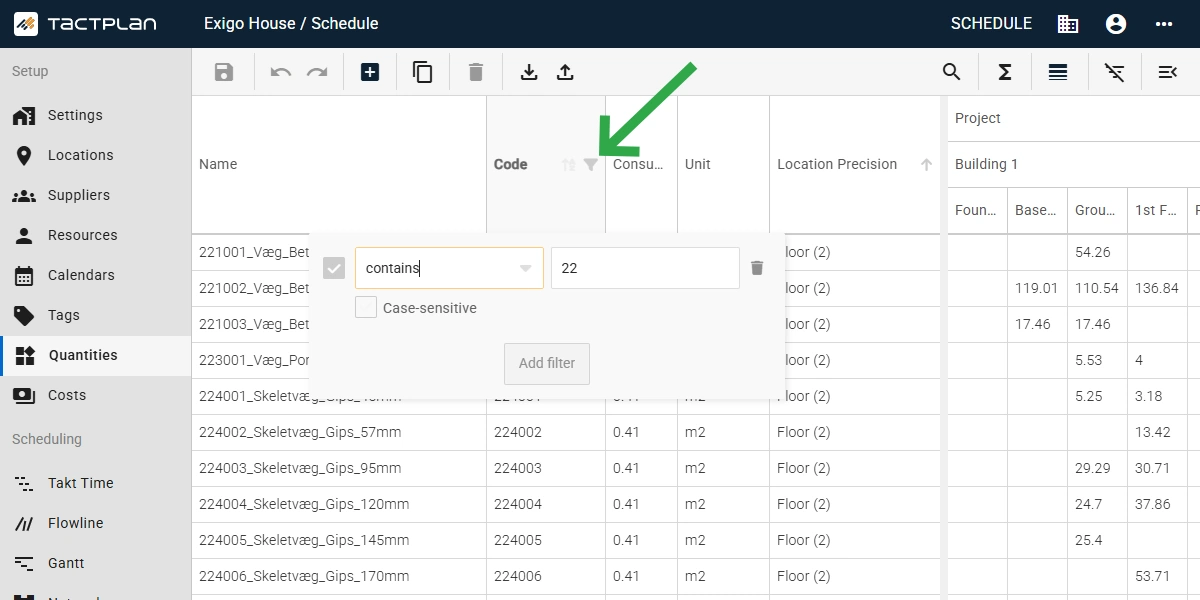
Version 2.5.4 - Quantities page overhaul with filters, sorting and grouping

Version 2.5.4 - Quantities page overhaul with filters, sorting and grouping

New:

  • Filtering options are added for Quantities including the option to add multiple filter conditions per column.
  • Code field added to Quantities allowing user to add more context data to each take-off item.
  • Grouping quantities enables users to get a better overview.
  • ‍Option to summarize quantities by location level for an improved overview of the distribution of quantities.
  • Linking tasks via task id is now possible via the quantities data import.
  • The quantity detail panel has been updated showing quantity code, option to sort the task list and to bulk link and unlink via right-click options.
  • A new column has been added to the quantities table showing “Linked task cost items”, to analysis if the link task i also link to a cost item.
  • In the Network diagram users can now zoom to selected tasks to get task in focus effectively.
  • The start and finish date can now be shown in the different schedule views which can be set per subtask under the General tab in the task panel. For the Flowline and Network views the dates shown are always related to the subtask.
  • The task name can now be hidden to only the task code is shown in the schedule view which is set per subtask under display option in the General tab in the task panel
  • New timeline zooms options have been added, with options to zoom out to all tasks in the schedule (ignoring project start and finish flag) and an option to center the timeline to selected tasks.
  • The current time, project start and project finish timeline flags can now be hidden in the schedule views.
  • Task and location hide and isolate filter options have been introduced to the task right-click menu in the Takt Time and Flowline views to enable quick filter settings.

Improvements:

  • On the organization subscription page the counter of licenses for each subscription now shows the number of assigned licenses and the total number of available licenses (Support and expired licenses are not included).
  • The cash flow graph view settings are now stored locally by schedule view, in contrast to being reset when switching views.
  • All tasks task settings are now included when coping with tasks.
  • Table filter search has been introduced, improved and aligned for multiple tables, including projects, schedules and users.
  • The context menus have been improved for the Suppliers, Resources and Tags tables.
  • Option to copy and delete all selected holidays has been added to the context menu.
  • Column tooltip added to multiple tables, including Locations, Suppliers, Resources and Tags. 

Any Questions?

You can always contact us at info@tactplan.com.
We check our inbox frequently.

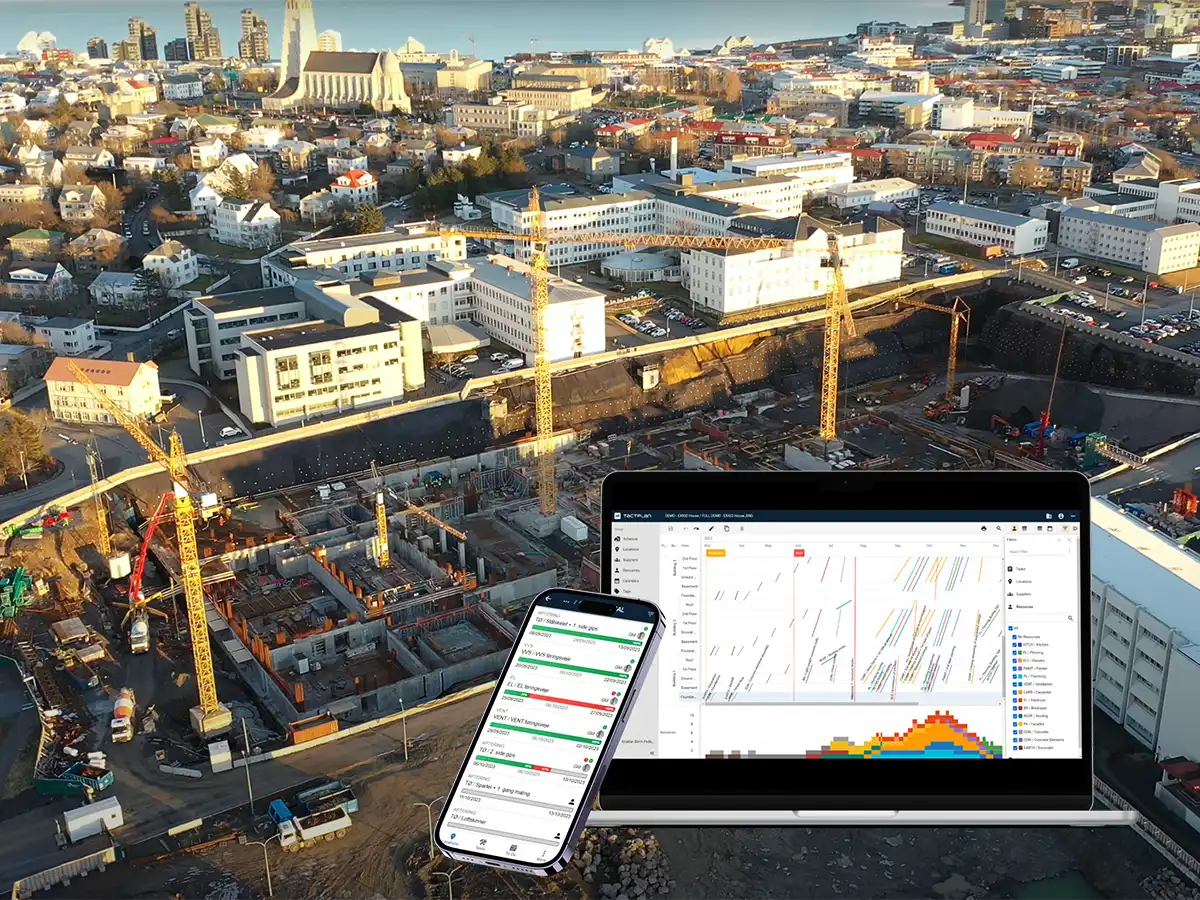
A well-run construction site starts with a clear plan

With location-based scheduling, every tradesperson knows exactly where they need to be and what tasks they need to complete.
The result is a calmer, more predictable workday - steady progress, no wasted time, and better teamwork across the site - setting the foundation for reliable project delivery.
Try it for free for 14 days.