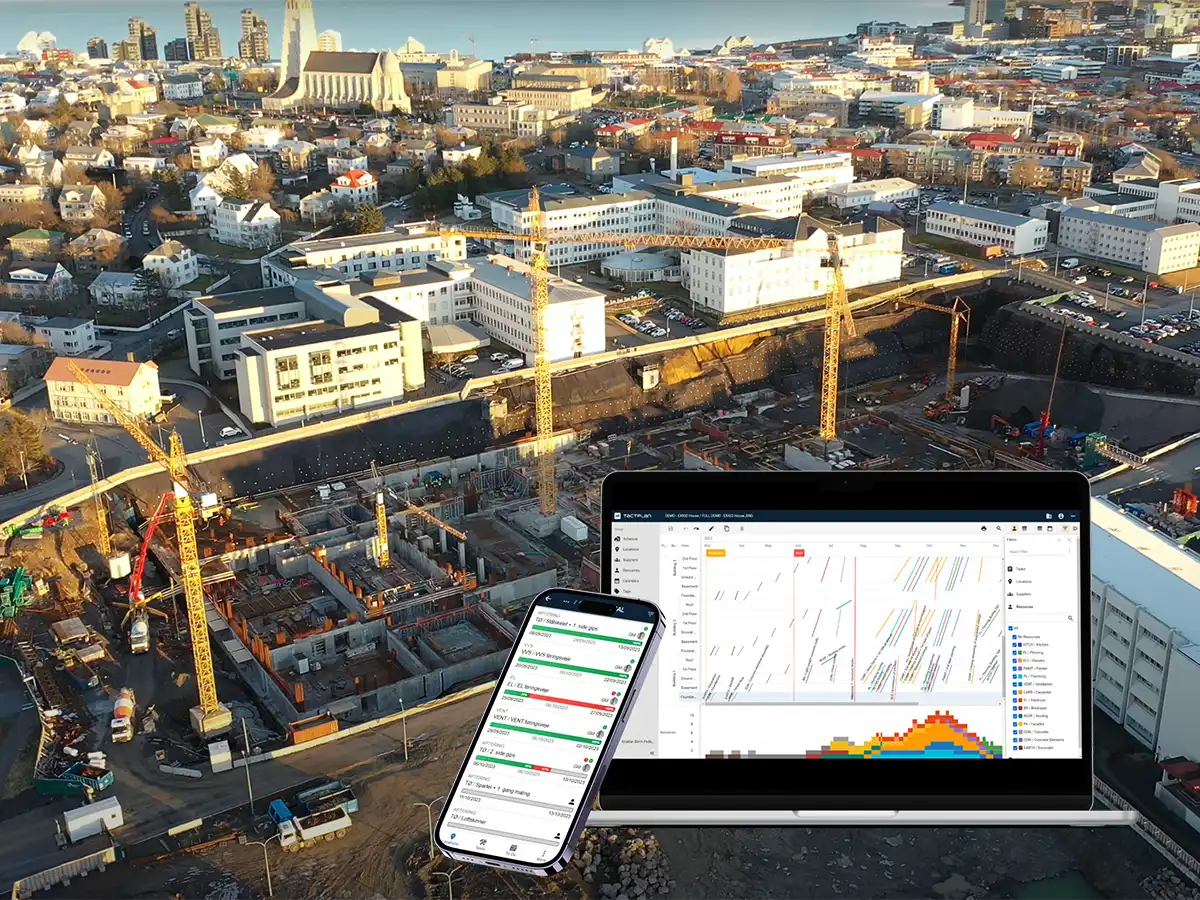
This training video provides a comprehensive guide on how to add and manage tasks in Taktplan, an essential tool for project scheduling in construction. The video covers the process of creating a detailed task list, placing tasks in selected or all project locations, and managing task dependencies and order.
Key takeaways include:
- Task Preparation: It's advised to prepare a task list in advance, involving various trades to define tasks accurately and considering task dependencies.
- Adding and Editing Tasks: The tutorial explains how to add tasks to different project locations, adjust their durations, and assign colors for easy identification. For example, foundation tasks might be marked in brown.
- Managing Task Order and Dependencies: The process of adjusting the order of tasks and setting up dependencies is demonstrated, ensuring that tasks like "excavation" follow "sheet piling" appropriately across all project locations.
- Duplication and Customization: Tasks can be duplicated across locations, with options to customize their order and dependencies relative to other tasks.
- Visualization Tools: Taktplan's flowline, Gantt, and network diagrams are used to visualize and edit tasks, providing a clear view of task sequencing and scheduling.
The video targets professionals in construction management, aiming to enhance their scheduling efficiency using Taktplan.