Version 2.5.3 - Hide and isolate selected tasks and unselect empty locations

Version 2.5.3 - Hide and isolate selected tasks and unselect empty locations

New: 

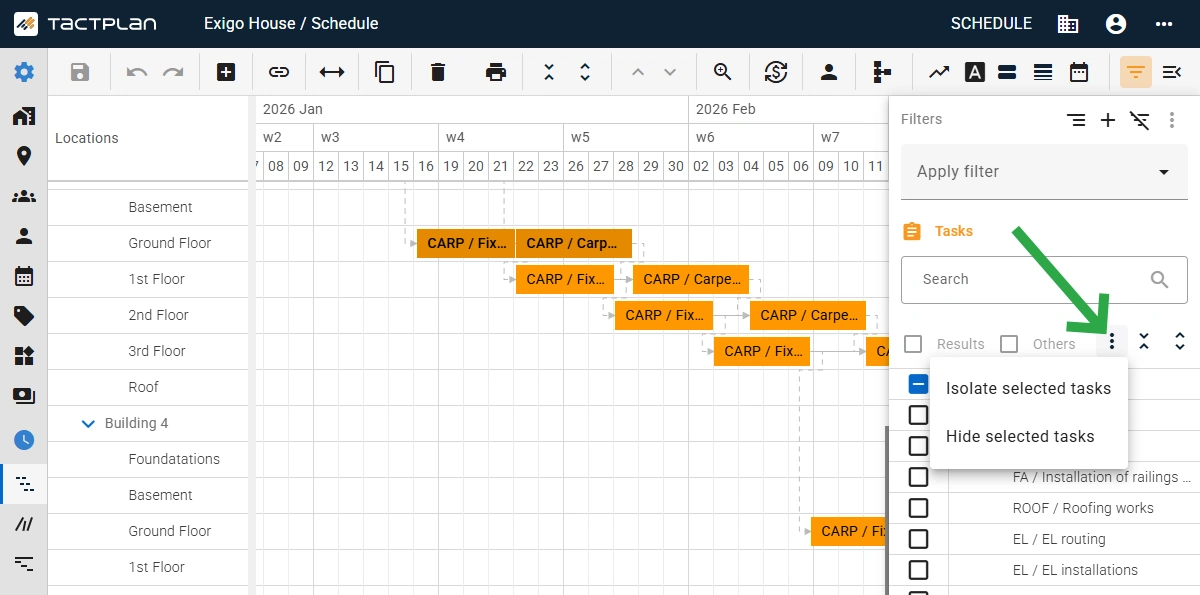
  • Added option in the filter panel to isolate or hide tasks based on selected task in the schedule view.
  • Added option in the filter panel to isolate or hide locations based on the corresponding location task in the schedule view.
  • Added option in the filter panel to deselect empty location, which is location currently with no locations tasks.
  • Added link to the Tactplan Help Center via top bar more icon - support.tactplan.com
  • Support for printing bigger schedules to PDF.
  • Updated of the welcome screen for new users with "get started" guide bullets.
  • Added an option to toggle on/off if quantity change adjusts duration. When toggle is off then change in linked quantity, directly to task or via cost item, will preserve the durations of the location tasks, by adjusting the production factor. The "Quantity change adjusts duration" option is set per task in the task panel on the general tab. Note that the toggle with not affect change in work by e.g. by changing the consumption rate as this will still change duration.

Improvements: 

  • Updated header setup for the Grid view
  • Improved data parser to better support all localizations for dates during export/import

Any Questions?

You can always contact us at info@tactplan.com.
We check our inbox frequently.

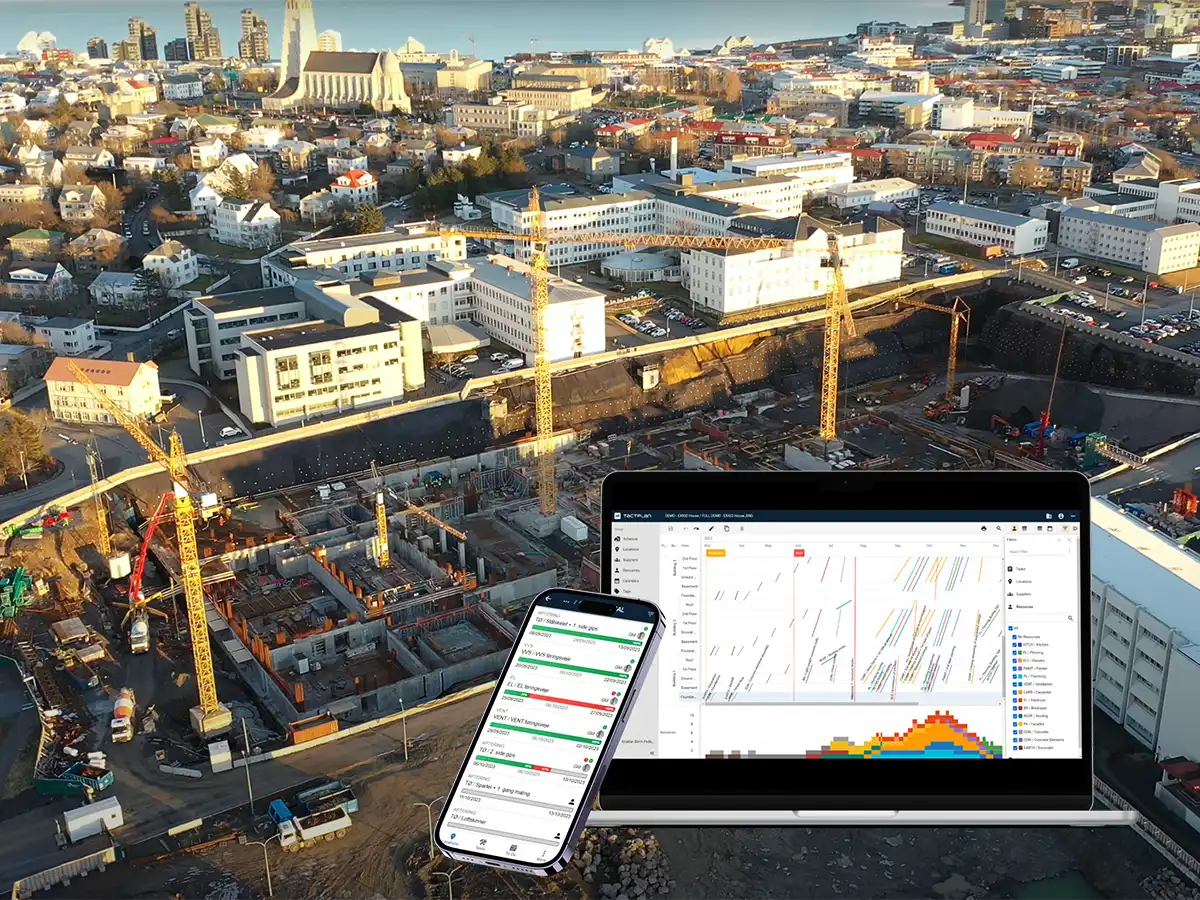
A well-run construction site starts with a clear plan

With location-based scheduling, every tradesperson knows exactly where they need to be and what tasks they need to complete.
The result is a calmer, more predictable workday - steady progress, no wasted time, and better teamwork across the site - setting the foundation for reliable project delivery.
Try it for free for 14 days.